
Digital accessibility on the internet
Good and bad practices
The internet should be an open and friendly place for everyone, regardless of age, skills or level of ability. Digital accessibility is not only a legal requirement, but above all a way of creating a space in which every user can use content and services on equal terms. On this page you will find examples of good practices that make users' lives easier, as well as mistakes that still appear far too often in the design of websites and applications. Our goal is to show how small changes can significantly improve the comfort of using the internet and make it truly inclusive.

Legal requirements
Digital accessibility is not only a matter of good practice – in many cases it is also a legal obligation. It is worth knowing which regulations govern this topic, what exactly they require from institutions and companies, and what consequences may follow from failing to adapt websites or applications.
At this stage we will look at, among other things:
- What is worth knowing about the formal requirements of digital accessibility?
- What does “compliance with WCAG 2.1 AA” mean?
- What are the consequences of non-compliance?
- Recommended reading
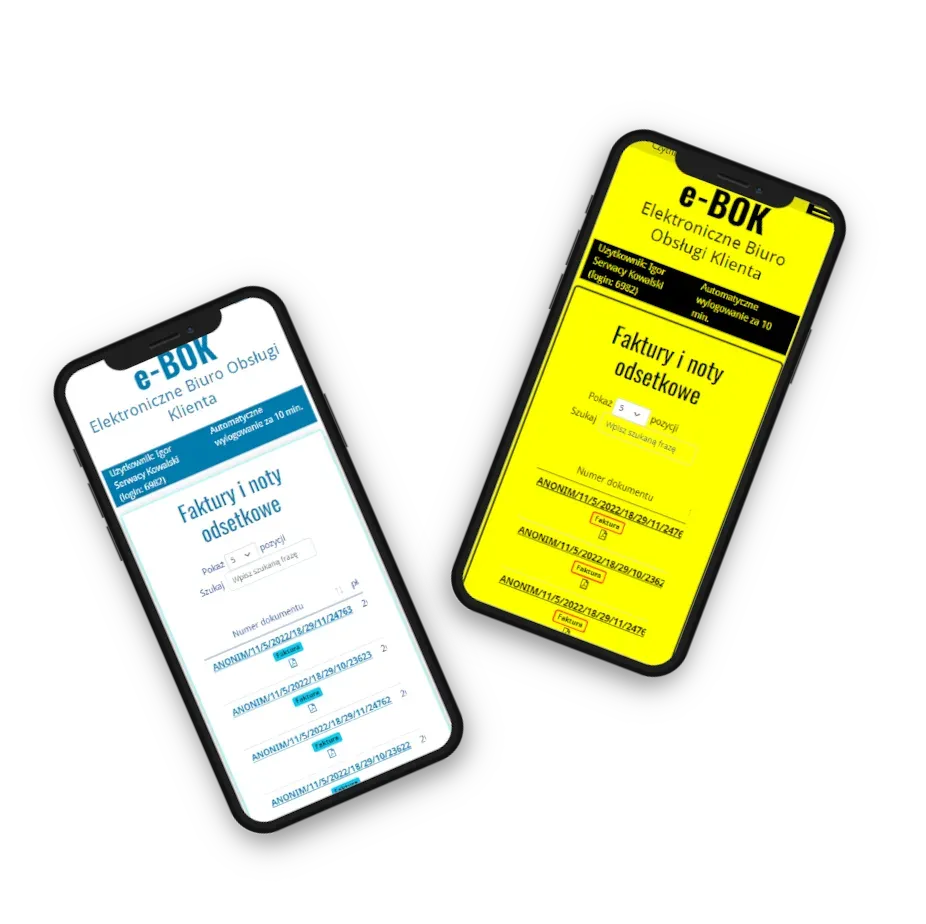
What is digital accessibility
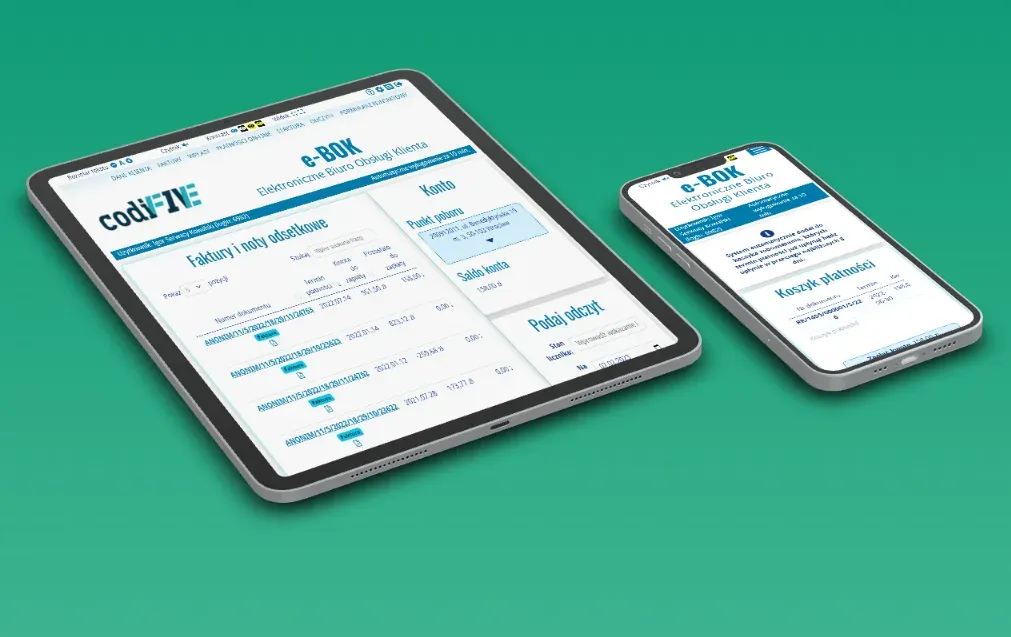
Digital accessibility means creating websites, applications and documents in such a way that everyone – regardless of age, level of ability or the technologies they use – can use them freely. It is not only about removing barriers, but also about deliberately designing content so that it is clear, intuitive and friendly for its audience
In this section you will find answers to questions that will help you understand the essence of accessibility:
- Can you make the virtual space more accessible?
- Why is it worth learning about digital accessibility?
- An investment that pays off?
- 9 things to remember when creating text documents
- Who should think about accessibility?
- What questions are worth asking yourself when creating a website?
- How can you quickly check the digital accessibility of a website?
- The most common accessibility problems?
What to know when creating a website or web application
Designing websites and web applications is not only a matter of aesthetics or functionality – it is also a responsibility to make sure every user can use them comfortably. It is worth remembering that small design decisions can make access easier or harder for people with different needs.
In this section you will find practical tips that will help you build truly accessible solutions:
- 6 things worth knowing when designing a website
- 3 rules worth knowing when creating a form on a website
- How to ensure comfortable navigation around your website?
- 4 things to remember if you want to ensure comfortable keyboard operation